

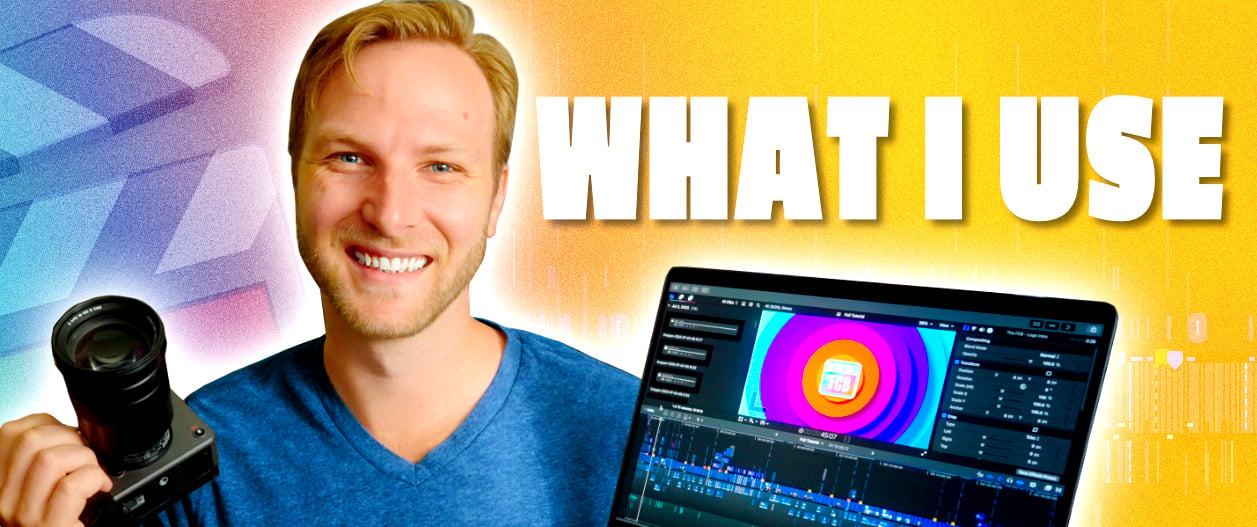
This is my complete, up-to-date list of gear, apps, plugins, and resources I use daily to produce high-quality content. Every single item below plays a role in making my workflow smooth, creative, and professional.
🧰 Gear
My main camera for capturing cinematic visuals in any lighting condition.
A compact cinema-style camera perfect for quick shoots and travel.
Super sharp, wide, and fast — amazing for handheld work and low light.
No wires, no hassle. Just clean audio, straight into the camera.
Excellent quality directional audio for talking head or voiceover.
Makes any HDMI camera work as a webcam — plug and go.
Affordable but powerful key light for a soft and cinematic look.
Perfect for editing with accurate color and sharp detail.
My main editing machine, that I take everywhere.
Editing powerhouse with incredible performance.
📱 iPad Pro
Great for note-taking, script review, and second-screen editing.
Clean and powerful speakers for audio editing and playback.
Feel the bass — essential for audio mixing and music-based edits.
💻 Video Editing Apps I Use Daily
🗂️ Post Haste
Instantly set up organized project folders for every new video.
The best-looking screen recorder out there — perfect for tutorials.
⏱️ Timebolt — Use code FCBRO for 20% off!
Automatically removes silence and speeds up your editing workflow.
🎧 Auphonic
Levels, cleans, and masters your audio with AI.
Livestreaming software I use for clean, pro-looking broadcasts.
🎵 Soundly
Massive searchable sound effect library — free and premium options.
Auto-generates YouTube chapters from your video timeline.
Photoshop-style power, no subscription needed.
🎛️ Plugins
Add clean, modern animated shapes in Final Cut Pro.
Quickly add zooms and camera motion to your footage.
Effortlessly build clean, customizable picture-in-picture layouts — perfect for tutorials, reactions, and interviews.
📽️ Emul8
My favorite (and most affordable) way to emulate film in Final Cut Pro.
💥 PremiumVFX Dynamic Transitions
Easy drag-and-drop transitions that instantly level up your edits.
🧑🎨 Design Studio
Titles and presets that make your work look like a high-end studio.
📦 Stock & Creative Assets
🔊 Soundly
Again — it’s that good. Sound design made simple.
Unlimited templates, stock footage, sound, and more.
Royalty-free music with simple licensing and awesome tracks. Also includes stems!
Related Videos
🗂️ Post Haste
Fast and easy instant folder structuring.
✂️ Timebolt vs Gling
Automatically cut silences and speed up your editing workflow.
🎧 Auphonic
Clean, level, and master your audio in just a few clicks with this AI-powered tool.
🔍 Pro Zooms
Add dynamic zooms and camera motion in Final Cut Pro with just a few clicks.
📣 Callout Upgrade
Make the built-in Callout effect in FCP, even better!
🎵 Soundly
My favorite sound effects library — drag and drop directly into your edit.
🧠 Creator’s Best Friend
Auto-generate YouTube chapters and more for content creators.
Comments ()