
New: Pro Subtitles 2.0
ProSubtitles
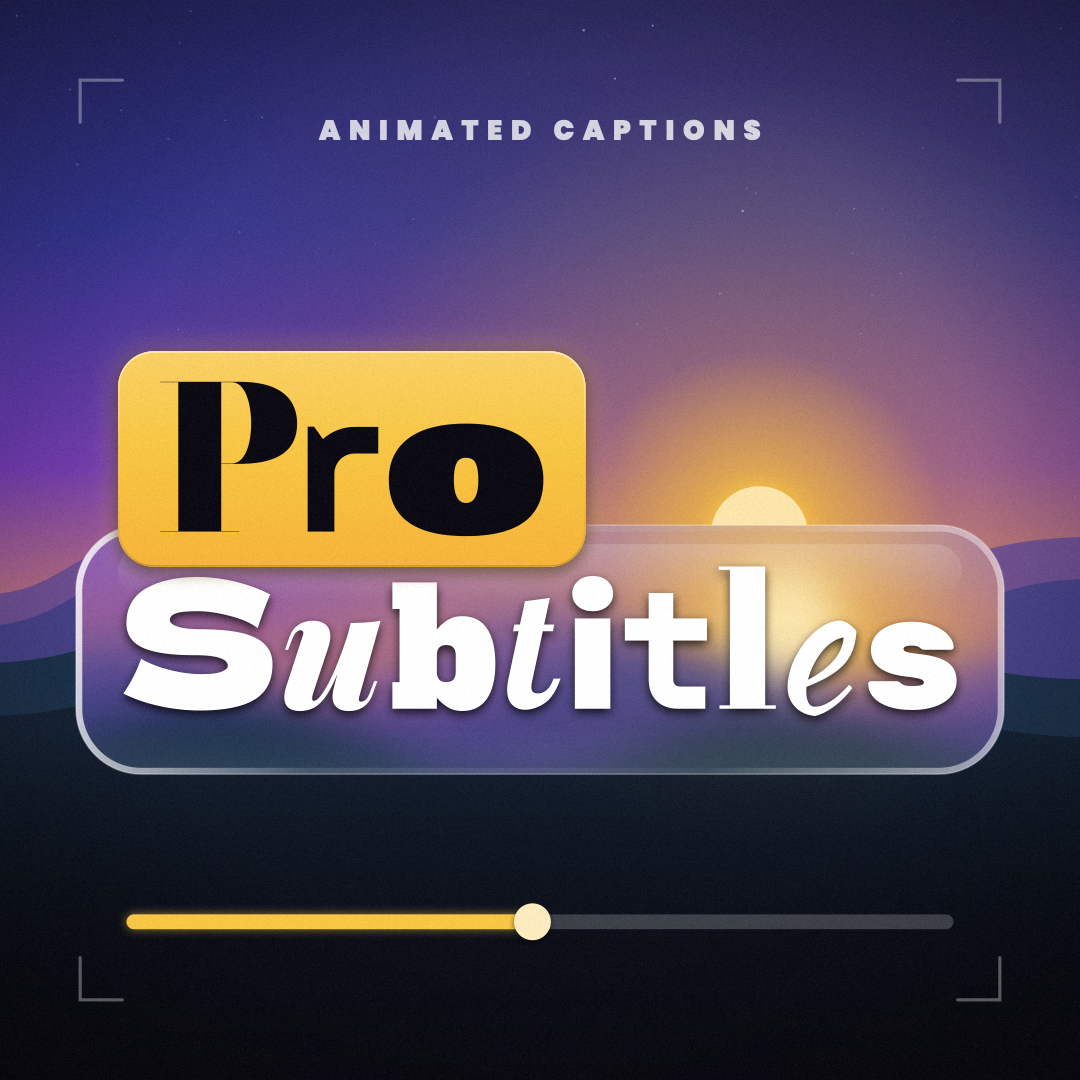
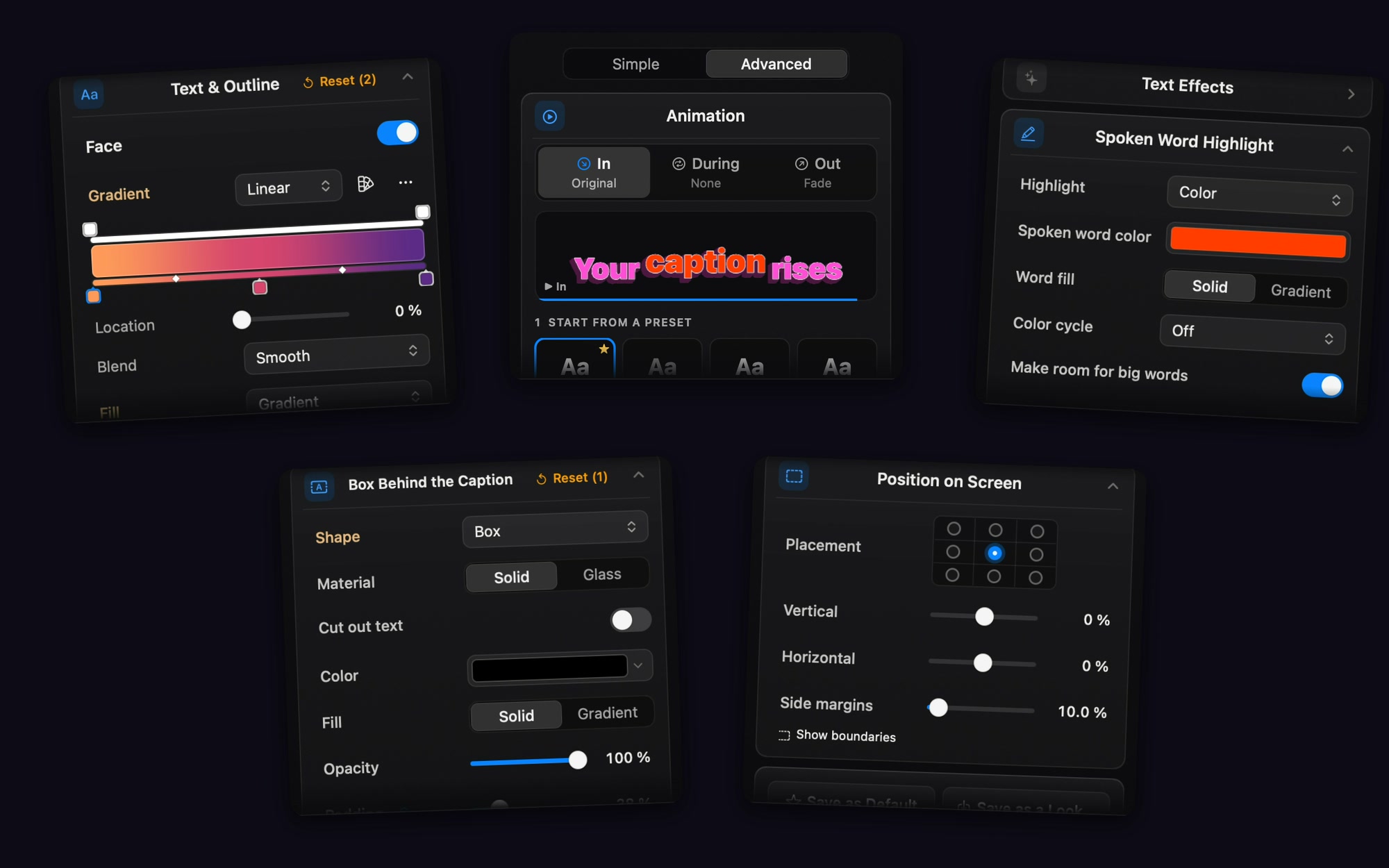
Animated captions for Final Cut Pro that land on every word you say.
$20 off for launch week, no code needed. Ends Nov 14 at 12:00 AM Pacific.
Buy once, updates for life.
Press play and I’ll show you what’s new.Free update if you already own it
Word Timing
Timed to what you say
This is the part I’m most excited about. Pro Subtitles reads Final Cut Pro’s own transcript and lines every word up with the moment you say it. So the highlight hits right on the word, and it waits for you when you pause.
No transcript on a clip? Turn on Exact voice timing and your Mac listens to the audio itself. Nothing gets uploaded. It’s still new, so now and then a word can land a touch early or late. When that happens, just drag it where you want it.
So I stopped fighting my captions and started having fun with them.
Watch the pause after “captions.” Timed to your voice waits for you.
Spread evenly runs ahead through the pause, then falls behind.
Looks gallery
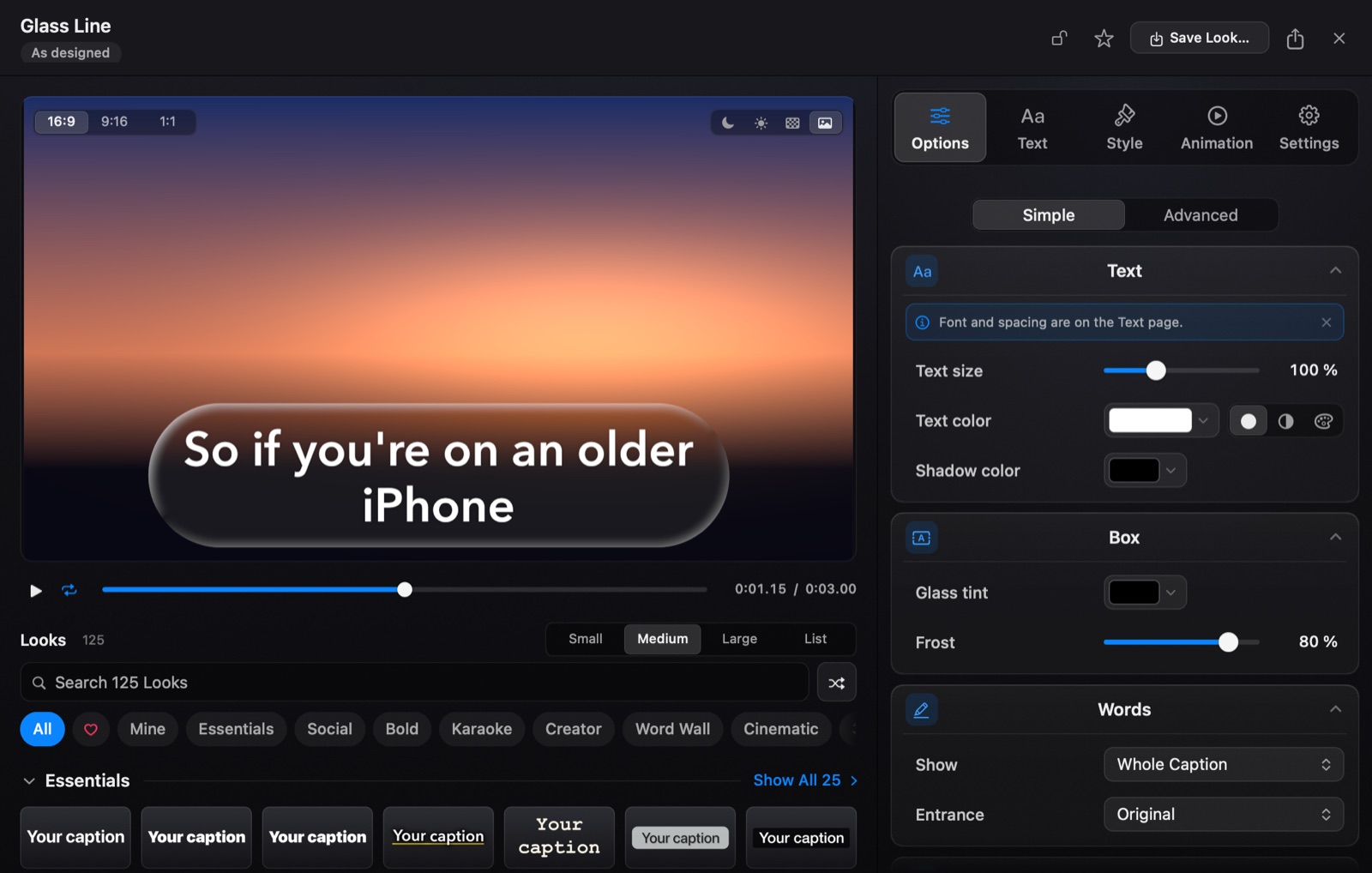
Over 120 Looks. Pick one and go.
Every one of these came straight out of the plug-in. Hover a tile to watch it move. In the Studio you can search them, heart your favorites, or hit shuffle when you can’t decide.
QuietWord WallGlassKaraokeEssentialsCreatorCinematicSocialBold
Word Wall
Build a wall of words.
This is one of my favorite new styles. Instead of one line at a time, a Word Wall stacks your words into a big block as you say them, and it reflows as it goes. It looks awesome on Shorts and Reels.
There are a bunch of wall styles to pick from. Hover one (or tap it) to see it full size.
Caption plug-in for Final Cut Pro · 2.0
System requirements
- macOS 13 Ventura or newer
- Final Cut Pro 10.6.6 or newer
- Final Cut Pro 12.3 or newer for Automatic Subtitles
- One license works on 3 Macs
“I bought this package and now use it in every video!”